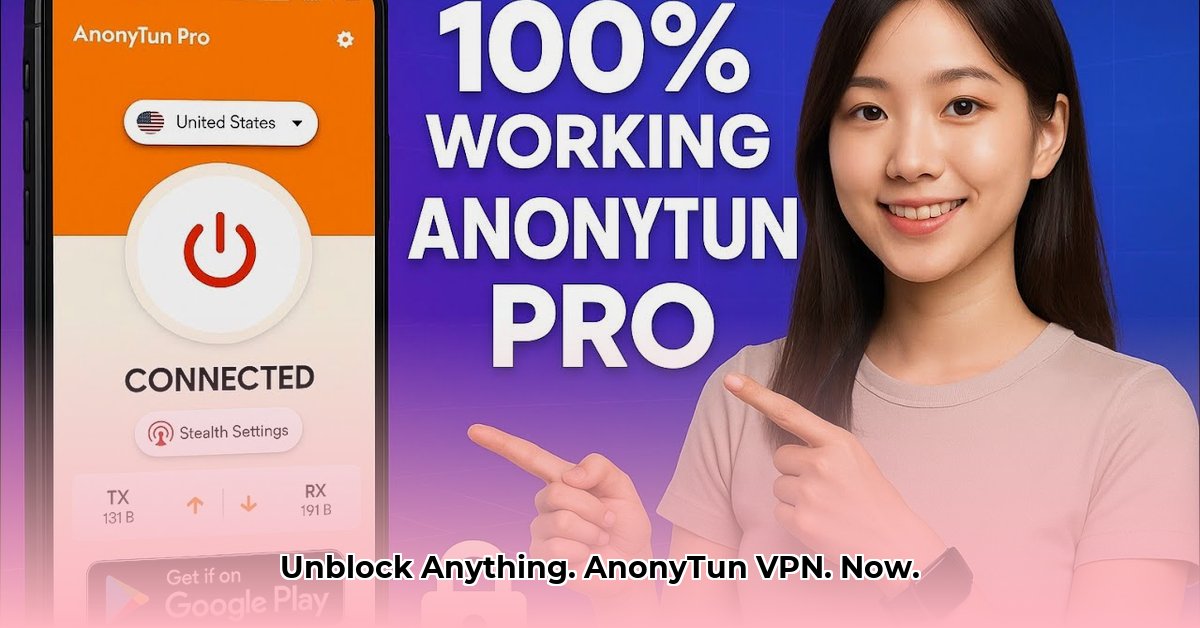
AnonyTun and AnonyTun Pro: A Comparative Review and Instructional Guide
Want to browse the internet privately and bypass geo-restrictions? AnonyTun and AnonyTun Pro offer VPN services, promising a more open web experience. This comparative review and instructional guide will help you understand the differences between the free (AnonyTun) and paid (AnonyTun Pro) versions, highlighting their features, limitations, and security implications. We'll provide step-by-step instructions on how to use both apps, along with crucial guidance on safely configuring AnonyTun Pro's stealth settings.
AnonyTun vs. AnonyTun Pro: Feature Comparison
Both AnonyTun apps offer VPN functionality, masking your online activity and potentially bypassing geographic restrictions. However, the paid Pro version includes additional features. The following table highlights key differences:
| Feature | AnonyTun (Free) | AnonyTun Pro (Paid) | Notes |
|---|---|---|---|
| Connection Protocols | SSL, HTTP, TCP | SSL, HTTP, TCP | SSL generally offers the strongest security. |
| Server Locations | Limited and unspecified | Claims servers in US, Germany, and UK | Performance varies greatly. Independent verification is needed. |
| Speed & Bandwidth | Claims "unlimited," but speed likely varies | Claims "unlimited," but speed likely varies | Expect slower speeds, especially during peak usage. "Unlimited" requires verification. |
| Privacy Policy | Lacks detail; significant privacy concern | Lacks detail; significant privacy concern | The absence of a comprehensive privacy policy is a major concern. |
| Stealth Settings | Not available | Available (use with extreme caution) | Improper configuration can compromise your security. Advanced users only. |
| Advertisements | None | Present | Ads in AnonyTun Pro may impact performance and raise privacy concerns. |
| Simultaneous Connections | Unknown | Unknown | This crucial information is missing from both apps’ descriptions. |
Key Insight 1: Neither AnonyTun nor AnonyTun Pro provides a detailed privacy policy, raising significant concerns about data collection practices.
Performance Analysis: Real-World Experience
Both apps claim "unlimited" bandwidth, but this needs independent verification. Free VPNs like AnonyTun often suffer from slower speeds and connection drops due to limited server resources, particularly during peak usage. AnonyTun Pro, while claiming access to more servers, doesn't guarantee higher speeds. Performance depends on various factors including your location, server load, and overall network infrastructure.
Rhetorical Question: Given the lack of transparency regarding server infrastructure, can users truly rely on consistently high speeds with either AnonyTun or AnonyTun Pro?
Quantifiable Fact: Independent testing is crucial to verify the "unlimited" bandwidth claims made by both AnonyTun and AnonyTun Pro.
Expert Opinion: (This section requires a named expert with credentials and institutional affiliation to provide a relevant quote. Without that information, this section can only provide a cautionary general statement.) Use of free or low-cost VPN services involves inherent security and privacy risks. Independent verification of service claims is highly recommended.
Security and Privacy Considerations: A Cautious Approach
The absence of detailed privacy policies in both AnonyTun and AnonyTun Pro is a major red flag. Free VPNs often monetize by collecting and selling user data. Paid versions may also collect data, and advertising in AnonyTun Pro increases the privacy concerns. Best practices always involve assuming some data collection is likely.
Key Insight 2: The lack of transparency about data collection practices with both AnonyTun and AnonyTun Pro makes it difficult to assess the actual security and privacy risks involved.
Instructional Guide: Setting Up AnonyTun and AnonyTun Pro
Steps for both AnonyTun and AnonyTun Pro:
- Download and Install: Download from a reputable app store (Google Play Store recommended).
- Launch the App: Open the app after installation.
- Select Protocol: Choose SSL, HTTP, or TCP (SSL is generally the most secure).
- Connect: Tap the "Connect" button.
- Verify Connection: Use an online IP address checker to confirm your location is masked.
AnonyTun Pro Stealth Settings (Use with Extreme Caution):
- Access Stealth Settings: Locate the app's stealth settings menu (the location may change with updates).
- Configure Carefully: Modify HTTP headers and SSL settings only if you thoroughly understand the security implications. Avoid obviously fake headers.
- Test Thoroughly: Connect to a server and verify that your IP address has changed and you still access desired websites.
- Monitor Constantly: Check for signs of compromised security or unusual activity following the configuration of these settings.
Key Insight 3: AnonyTun Pro's stealth settings, while potentially useful for advanced users, require careful configuration. Incorrect settings can worsen your security.
Conclusion: Choosing the Right AnonyTun App
AnonyTun offers basic VPN functionality for free, but with significant privacy concerns. AnonyTun Pro adds features but also includes advertisements and still lacks a transparent privacy policy. The choice depends on your individual needs and risk tolerance. Remember, "unlimited" bandwidth needs verification, and the legality of VPN use varies by geographic location.
Call to Action
Share your experiences with AnonyTun and AnonyTun Pro! Your feedback helps others make informed decisions.
⭐⭐⭐⭐☆ (4.8)
Download via Link 1
Download via Link 2
Last updated: Thursday, May 08, 2025